Laser cutting acrylic is a go-to technique for makers creating signage, display panels, and custom products. With the right setup, CO₂ laser cutters can cut acrylic cleanly with smooth, polished edges.
However, improper settings can lead to issues such as melting, bubbling, or cloudy edges. This guide explains how to choose the right acrylic type, optimize laser settings, and achieve professional-quality results via your Laser Cutter.
Understanding Acrylic Types and Their Laser Compatibility
Acrylic (PMMA) comes in two main types:
Cast Acrylic
- More uniform and stress-free
- Produces clean, polished edges when laser cut
- Ideal for signage and display products
Extruded Acrylic
- Lower cost but contains internal stress
- More prone to:
- Cracking
- Melting
- Cloudy edges
Thickness Guidelines
- 40W CO₂ laser → up to ~6–8 mm cast acrylic (single pass)
- Extruded acrylic → best kept under ~4–5 mm
Essential Safety and Ventilation When Laser Cutting Acrylic
Cutting acrylic produces methyl methacrylate (MMA) fumes, which require proper ventilation.
Recommended setup:
- Exhaust system vented outdoors
- Carbon filter (if indoor use)
- Inline duct fan
Safety essentials:
- Respirator (organic vapor rated)
- Safety goggles
- Fire extinguisher
- Never leave machine unattended
This is especially important in UK home or small workshop environments.
Optimising Laser Settings for Clean Acrylic Cuts
Correct settings are critical for clean results.
General Guidelines (CO₂ lasers)
- Use high power + moderate speed
- Lower frequency for clearer edges
- Keep focus precisely on the surface
Practical Workflow
- Always run test cuts on scrap material
- Adjust:
- Speed
- Power
- Frequency
Watch for:
- Bubbling → too much heat
- Charring → speed too slow
- Incomplete cuts → insufficient power or dirty lens
Preparing Acrylic Sheets Before Cutting
Proper preparation improves results significantly:
- Clean surface with isopropyl alcohol
- Keep protective film on during cutting
- Use honeycomb bed for airflow
- Secure sheet to prevent warping
Additional tips:
- Engrave first, then cut
- Use nesting to maximise material usage
- Avoid overheating by spacing parts properly
Choosing the Right Laser Cutter for Acrylic Projects
Acrylic cutting is best suited for CO₂ lasers, not diode lasers.
Recommended Setup:
- 30W–60W CO₂ → hobby use
- 80W+ CO₂ → frequent or thicker cuts
Machine Considerations
- Air assist (essential)
- Stable motion system
- Autofocus (optional but helpful)
- UK support & spare parts availability
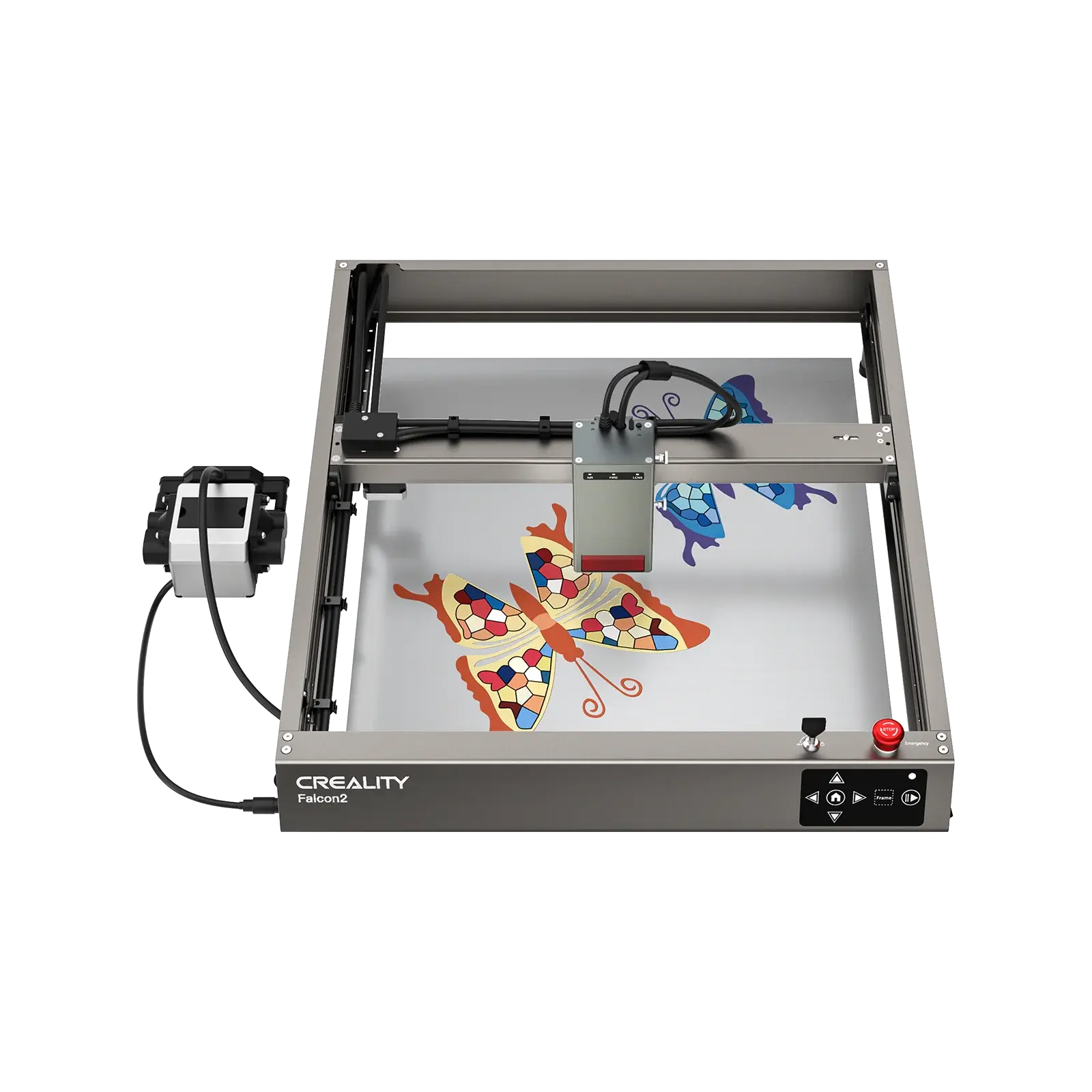
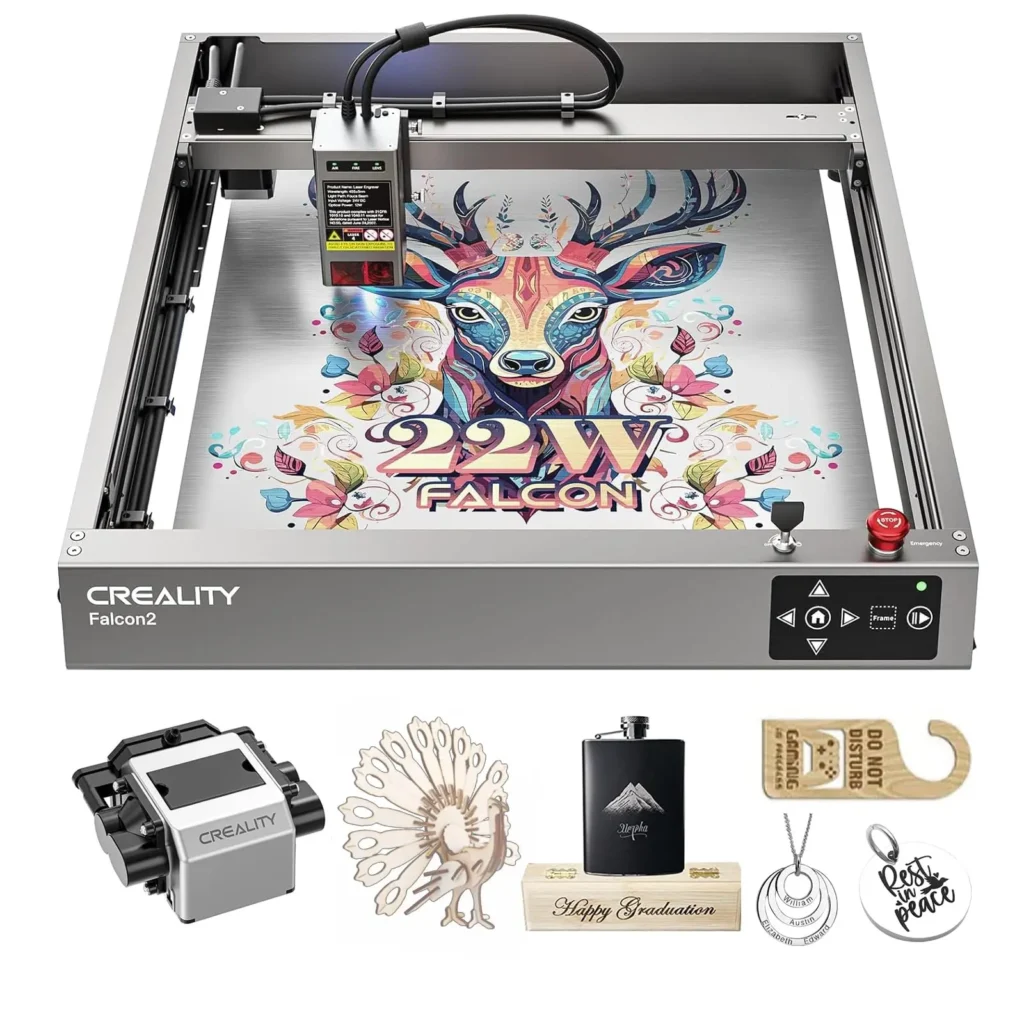
Creality Falcon Best-Fit Pick
The Creality Falcon A1 Pro is a diode-based laser engraver designed for beginners and general-purpose use. While it is not intended for cutting thick clear acrylic, it can handle:
- Engraving on acrylic surfaces
- Cutting thin dark or coated acrylic
- Light-duty acrylic projects
For users focused primarily on acrylic cutting, a CO₂ laser system is still the better choice. However, the Falcon A1 Pro remains a practical option for mixed-material workflows involving wood, leather, and light acrylic applications.
Post-Cut Finishing Techniques for Acrylic
After cutting:
- Remove protective film
- Clean edges with microfiber cloth
For clear edges:
- Flame polishing (for cast acrylic only)
- Sanding + polishing compound
For assembly:
- Use acrylic cement for seamless bonding
- Clamp pieces during curing
Troubleshooting Common Acrylic Cutting Issues
| Issue | Cause | Solution |
| Bubbling | Too much heat | Increase speed |
| Charring | Slow speed | Reduce power |
| Incomplete cut | Low power / dirty lens | Clean optics, increase passes |
| Cloudy edges | Extruded acrylic | Switch to cast |
Cost-Efficient and Sustainable Acrylic Cutting
To improve efficiency:
- Use nesting software
- Keep spacing minimal (1.5–2 mm)
- Reuse scrap material
Maintenance tips:
- Clean lenses regularly
- Keep bed level
- Batch jobs to reduce energy waste
Final Thoughts
Acrylic can be cut cleanly and efficiently with the right setup, but choosing the correct machine is critical.
- CO₂ lasers → best for cutting acrylic
- Diode lasers → best for engraving and light use
For beginners, machines like the Creality Falcon A1 Pro offer a safe and flexible starting point, while more advanced users may benefit from dedicated CO₂ systems for high-quality acrylic cutting.
Also Read
- Improving ROI Through Smart Aviation Technology Investments
- Your First DTF for a Small Business: How to Choose the Best DTF Printer (Without Costly Detours)
- Choosing the Right Workday to AD Integration Approach for Your Organization