
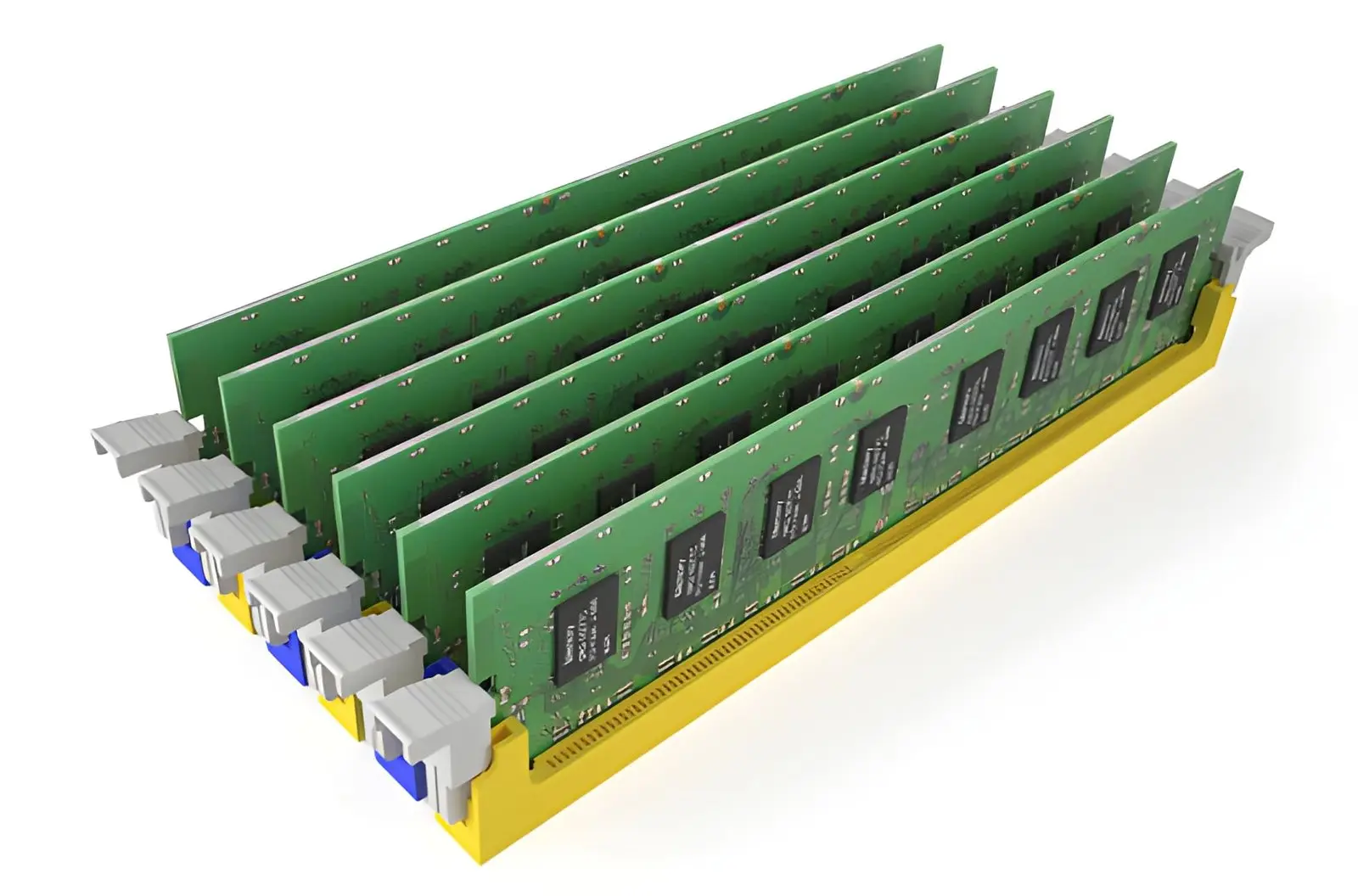
Deploying used DDR RAM can be a practical way to expand capacity without paying full price for new memory, but the savings only hold up when the modules are tested properly and matched to the right systems.
Memory issues can be difficult to diagnose once hardware is already in production, which is why pre-deployment validation matters so much. A careful process should include standalone memory testing, module isolation, stress testing under realistic conditions, phased rollout, and clear contingency planning.
This guide explains how to test used DDR RAM before deployment, how to think about the financial side of used memory purchases, and how to reduce risk when rolling modules into live IT environments.
Testing Requirements and Quality Assurance
Pre-Deployment Testing Procedures
Used DDR RAM should be tested before it reaches production systems. Standalone memory testing is useful because it checks RAM outside the operating system, which helps surface faults that may not appear during normal use. MemTest86 remains one of the best-known tools for this purpose because it is a stand-alone, self-booting memory test that boots from USB and tests RAM directly with comprehensive algorithms rather than relying on the operating system after it has already loaded.
Windows Memory Diagnostic can still be useful as an initial screen, especially for systems that need a quick built-in check before deeper testing. Microsoft describes it as a built-in Windows feature that can conduct a RAM test to detect possible memory problems, and it can be launched through the Start menu, Run dialog, or Settings before rebooting into the scan.
Module-by-module isolation is also worth keeping in the process. If multiple sticks are installed and the system shows errors, testing them individually makes it much easier to tell whether the problem is tied to one module, one slot, or a configuration issue rather than the whole memory set.
Big Data Supply buys used DDR RAM in bulk from organizations decommissioning or reallocating memory, covering free value audits, chain-of-custody tracking, and reporting across secure handling, resale, and recycling.
Burn-In Testing Recommendations
Burn-in testing is useful because some memory issues do not show up in a short initial pass. The goal is not to recreate extreme lab certification conditions, but to run memory long enough under repeatable conditions to catch early failures before the modules are trusted in production.
That makes longer stability checks worth the effort when the memory will be used in important workloads. A quick pass can catch obvious faults, but broader confidence usually comes from repeated testing under controlled conditions.
Stress Testing Under Real Workload Conditions
Stress testing should go beyond simple boot-level checks. Corsair’s current Prime95 guide describes Prime95 as a utility used to test CPU and memory stability, and it notes that the test menu includes Small FFTs for CPU, In-place large FFTs for memory, and Blend for a mix of both. That makes it useful when validating whether a system stays stable under heavier use rather than just whether the RAM can pass a basic diagnostic scan.
The specific tool matters less than the principle. Whatever utility you use, the objective is to test memory under realistic pressure for long enough to expose instability that a quick diagnostic pass may miss.
Financial Planning and Budget Considerations
Understanding Used RAM Prices by Type and Capacity
Used RAM pricing moves with capacity, generation, ECC support, density, brand, and market demand. Larger enterprise modules and ECC server memory often hold value better than small consumer sticks, but actual pricing should be checked live instead of assumed from a static chart.
That is one reason value-audit language works better than hard-coded price tables in an editorial piece. Big Data Supply’s DDR RAM page emphasizes free value audits for used memory, which is a more durable way to frame pricing for organizations selling or evaluating RAM in bulk.
Hidden Costs Beyond Purchase Price
The purchase price is only one part of the decision. Used RAM also brings testing time, potential replacement costs, platform-matching work, and the possibility that mixed modules or unsupported configurations may create troubleshooting overhead. Those hidden costs are what often turn a cheap module into an expensive upgrade if teams do not validate first.
ROI Timeline for Used RAM Deployment
Used RAM usually makes the most financial sense when it extends the life of an existing supported platform or increases capacity for workloads that are clearly memory-bound. A phased approach can make the return on investment easier to manage because teams can validate a smaller deployment first and expand only after the modules prove reliable in real use.
When New RAM Makes More Financial Sense
New RAM can be the better option when the platform is especially sensitive to validation risk, when warranty support matters more than immediate savings, or when the target system depends on a narrow approved memory list. The goal is not to treat used RAM as automatically better, but to match the buying strategy to the risk tolerance of the environment.
Implementation Strategy and Risk Management
Phased Deployment Approach
Rolling used DDR RAM into production all at once creates avoidable risk. A phased deployment is safer because it lets teams validate memory first in non-critical systems, then in limited production roles, before expanding further.
This keeps potential failures contained and gives administrators time to confirm that the modules behave correctly under the actual workload mix.
Monitoring and Maintenance Schedules
Memory upgrades should not end with installation. Systems need monitoring after deployment so teams can watch for crashes, corrected error events, instability, or workload behavior that points to a compatibility issue.
Documentation matters just as much. Keeping records of module type, slot placement, firmware or BIOS settings, and test results makes future troubleshooting and expansion much easier.
Contingency Planning for Failures
Good contingency planning means assuming that at least some modules may fail validation or show instability after rollout. Backups, rollback steps, spare capacity, and clearly defined replacement procedures all reduce the impact if the used memory proves unreliable later than expected.
Warranty and Support Considerations
Used-memory programs and third-party warranties can vary quite a bit. Buyers should confirm return terms, support limits, and whether the seller can clearly identify tested inventory versus mixed or uncertain stock.
That is especially important for bulk IT purchases where the cost of a bad batch is much higher than the cost of one failed desktop upgrade.
Conclusion
Deploying used DDR RAM successfully depends on testing discipline, realistic budgeting, and a controlled rollout process.
Standalone tools such as MemTest86 help catch obvious faults before the operating system loads, while stress testing and module isolation improve confidence that the memory will stay stable under real workloads.
Financial planning matters too, because the total cost includes validation time, compatibility work, and possible replacements, not just the purchase price. A phased deployment with documentation and contingency planning usually offers the best balance of savings and reliability.
Also Read-Navigating Your Journey to a New Car: Understanding Car Loans