
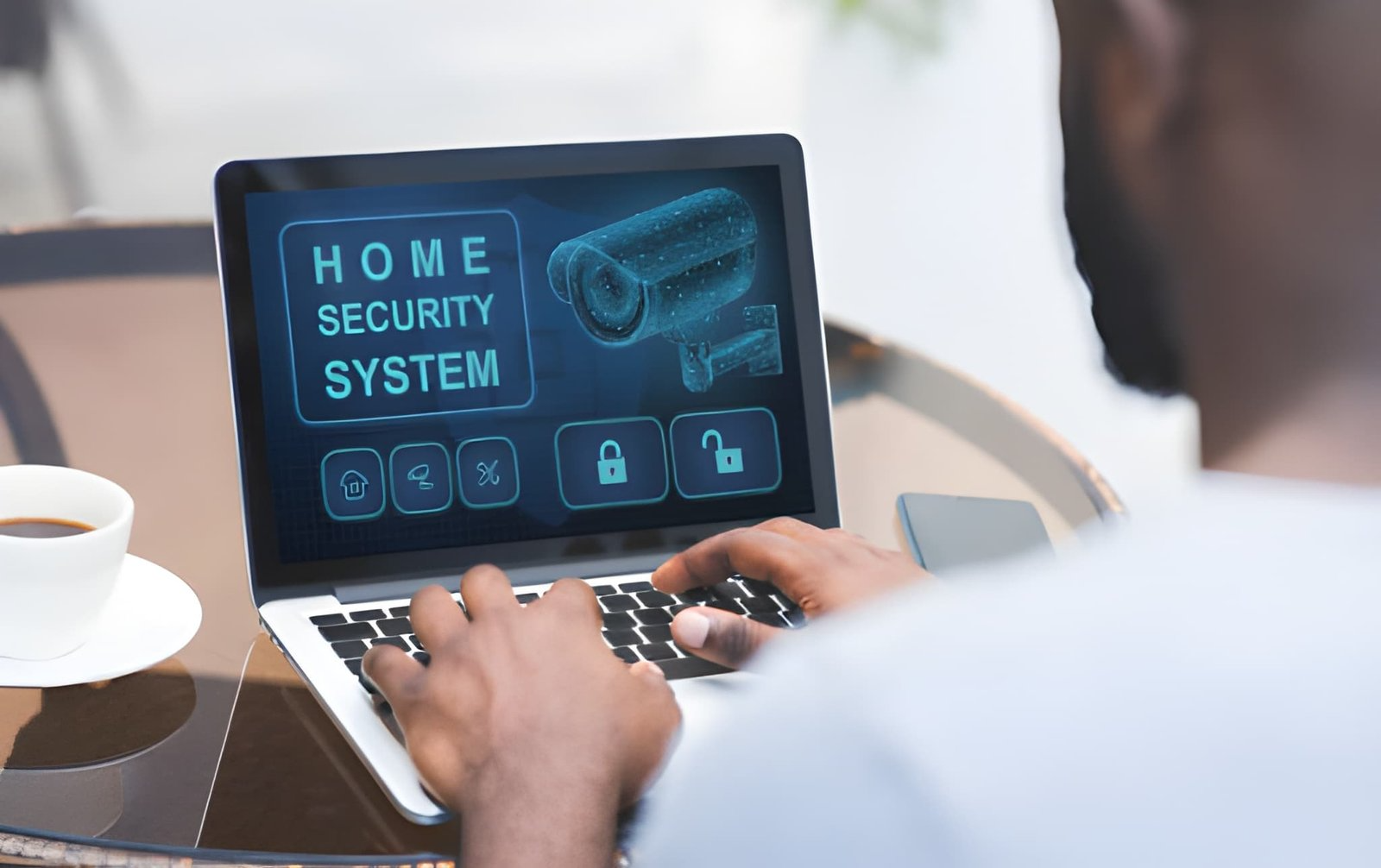
The idea of protecting a home is as old as the front door, but the tools we use to do it keep changing. For much of the last century, a home alarm meant a professional crew running cables through walls, drilling into studs, and hardwiring sensors to a central panel. Today, a growing share of households rely on wireless systems that communicate over radio frequencies, Wi-Fi, and cellular networks instead of physical wiring. If you are weighing your options, it helps to understand how these systems actually function, where they shine, and where they fall short.
What “Wireless” Actually Means
A wireless security system is built around a central hub or base station and a collection of battery-powered components: door and window contact sensors, motion detectors, cameras, keypads, glass-break sensors, and sometimes smoke or water detectors. Rather than sending signals through cables, each device transmits to the hub using low-power radio protocols. The hub then relays alerts to you, and often to a monitoring service, through your home internet connection with a cellular backup for times when the Wi-Fi goes down.
It is worth clarifying a common point of confusion. Even a “wireless” system usually needs power somewhere. The base station typically plugs into an outlet, though many include a rechargeable battery so the system keeps running during an outage. The sensors themselves run on batteries that last anywhere from one to several years depending on the device. So “wireless” refers mainly to the communication method and the absence of signal cabling, not a complete freedom from power altogether.
The Case for Going Wireless
The most obvious advantage is installation. Without the need to fish wires through finished walls, most homeowners can set up a modern kit themselves in an afternoon. Sensors often attach with adhesive backing, and the hub is configured through a smartphone app. That do-it-yourself simplicity keeps upfront costs down and appeals to renters who cannot make permanent modifications to a property.
Flexibility is another draw. Because components are not tethered to a fixed wiring layout, you can add a sensor to a new window, reposition a camera, or expand coverage to a detached garage without calling a technician. When you move, the equipment can often come with you. Wireless systems also integrate more naturally with the broader smart-home ecosystem, connecting to smart locks, lights, thermostats, and voice assistants so that a single app or command can manage multiple functions.
There is a resilience benefit as well. A burglar who cuts a phone or power line can disable some older hardwired setups, but a wireless system with cellular backup and battery power is harder to knock offline by tampering with external connections.
Where Wired Systems Still Have an Edge
Wireless technology is not without trade-offs, and it is fair to consider the arguments for traditional wiring. Hardwired systems draw constant power and do not depend on batteries, so there is no maintenance cycle of checking charge levels and swapping cells. Their signals are not subject to radio interference, dead zones in a large or dense home, or the occasional dropped connection that can affect wireless gear.
For very large properties, homes with thick masonry walls, or buildings where a permanent, professionally monitored installation is the priority, a wired or hybrid approach may deliver more consistent performance. The downside is cost and permanence: professional installation is more expensive, disruptive to the structure, and difficult to reconfigure later. Many newer installations split the difference with hybrid systems that combine hardwired components for critical zones and wireless sensors for everything else.
Monitoring: The Part That Actually Matters
Hardware is only half the equation. What happens when a sensor trips is what determines whether a system protects you or simply makes noise. There are two broad monitoring models. With self-monitoring, alerts go straight to your phone and it is up to you to review the notification and, if necessary, call for help. This option is usually free beyond the cost of equipment, but it depends entirely on you being available and responsive.
Professional monitoring routes alarms to a staffed center that can assess the situation and dispatch police, fire, or medical responders on your behalf, day or night. This service carries a monthly fee but adds a layer of coverage for the hours you are asleep, traveling, or otherwise unreachable. Many providers of wireless home security systems offer both tiers, letting you start with self-monitoring and upgrade later, or choose professional coverage for higher-risk situations. When comparing plans, look closely at contract length, cancellation terms, and whether the equipment is yours to keep if you switch providers.
What to Consider Before You Commit
Start with your home itself. Count the entry points you want covered, note any large open areas that would benefit from motion sensors, and think about outdoor zones like driveways or side gates where cameras add value. A small apartment has very different needs from a multi-story house.
Next, weigh connectivity. Because most wireless systems lean on your internet, a reliable router and adequate coverage throughout the home matter. Confirm that the system includes cellular backup so an outage or a cut internet line does not leave you exposed. Check battery life expectations for each component and whether the app alerts you when a cell runs low.
Consider the total cost of ownership rather than the sticker price of the starter kit. Factor in any monthly monitoring fee, the price of add-on sensors, and whether cloud video storage carries a separate charge. Cheaper equipment can end up costing more over several years once recurring fees are included.
Finally, think about privacy and data. Cameras and connected devices generate footage and logs that live on someone’s servers. Review how a provider stores video, who can access it, and what security measures protect your account, including two-factor authentication and encryption.
The Bottom Line
Wireless home security has matured from a budget alternative into a mainstream choice, offering easy installation, flexibility, and tight integration with the rest of a connected home. It is not automatically the right fit for every property, and wired systems retain real advantages in reliability and permanence. The best approach is to match the technology to your specific home, decide honestly how much monitoring you want, and read the fine print on fees and contracts. A security system is only as good as the plan behind it, and a little research upfront tends to pay off long after the sensors are mounted.
How to Design a User-Friendly Contact Page that Converts – metaphorhaven.com